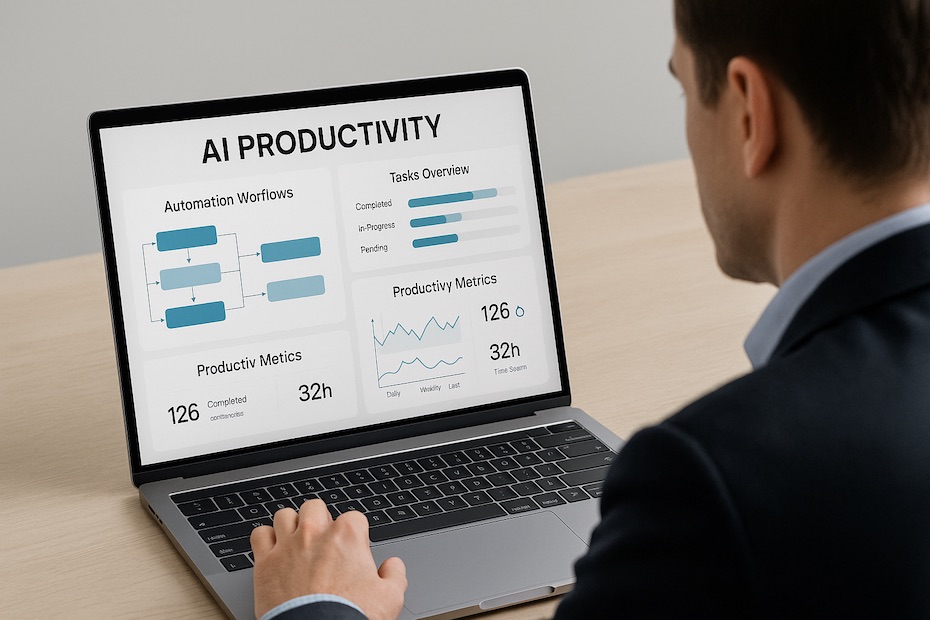

AI for Business Automation in 2026: Smarter Systems for Real Workflows
Introduction
In many businesses, a large portion of daily work is still repetitive—replying to emails, updating spreadsheets, tracking leads, and handling customer requests. These tasks are necessary, but they often slow down growth and reduce productivity. In 2026, AI automation is no longer just a productivity trend. It is now part of real business infrastructure, helping companies run workflows with less manual effort and fewer errors. Instead of replacing employees, AI is being used to support teams by handling repetitive tasks so humans can focus on decision-making and strategy. This guide explains how AI automation actually works in real business environments based on practical workflow usage. If you are just starting, you can also read: how to automate work using AIWhy AI Automation Matters in Real Business Operations
AI automation is not just about saving time—it directly affects how efficiently a business operates daily. In real business workflows, AI is used to:- Reduce repetitive manual work across departments
- Minimize human errors in data handling and communication
- Improve response time for customers and leads
- Allow businesses to scale without increasing headcount
Instead of manually entering customer data into spreadsheets, AI tools automatically capture and organize this information in real time. This shift is what allows small teams to operate like larger organizations.
How AI Automation Works in Real Business Systems
AI automation works by connecting different tools and triggering actions based on specific events.1. Workflow Automation (Core System Setup)
This is the foundation of AI automation in business. Tools are connected so tasks run automatically based on triggers. Real-world examples:- A lead fills out a form → data is sent to CRM automatically
- A customer makes a payment → invoice is generated instantly
- A new signup → welcome email sequence starts automatically
Businesses eliminate manual data entry and reduce delays between customer actions and responses.
2. Email and Communication Automation
AI is widely used to manage communication flows, especially in sales and marketing. Real use cases:- Automatic email replies for inquiries
- Follow-up sequences for potential clients
- Behavior-based marketing email campaigns
User clicks a product page → AI tags interest → follow-up email is sent after 24 hours. This improves conversion without manual effort.
3. Customer Support Automation
AI chat systems now handle a large percentage of customer support requests. How it works in practice:- Instant answers for common questions (pricing, shipping, policies)
- Guided troubleshooting for simple issues
- Escalation to human agents for complex problems
Businesses can operate 24/7 support without hiring a large team.
4. Business Data and Reporting Automation
AI is also used to transform raw business data into meaningful insights. Practical examples:- Daily sales performance dashboards
- Customer behavior tracking reports
- Low stock or inventory alerts
Instead of manually checking spreadsheets, AI generates a daily summary of business performance automatically.
Popular AI Automation Tools (Real Business Usage)
Zapier
Used for connecting apps and automating simple workflows between platforms.Make (Integromat)
Used for advanced visual automation workflows with multiple steps and conditions.UiPath
Used by enterprise companies for robotic process automation (RPA) in large systems.HubSpot
Used for CRM, marketing automation, and sales pipeline management.Notion AI
Used for documentation, knowledge management, and internal workflow automation.ClickUp AI
Used for task management and automated project workflows.Tidio AI
Used for live chat automation and customer lead generation.How to Implement AI Automation Step-by-Step
Successful automation is not about using many tools—it is about building structured workflows. Practical implementation steps:- Identify repetitive tasks in your daily operations
- Start with one simple automation workflow
- Connect tools step-by-step (CRM, email, forms)
- Test automation before full deployment
- Improve and expand based on real usage
Common Mistakes in AI Automation
- Automating too many processes at once
- Using tools without understanding workflow logic
- Skipping testing before launching automation
- Ignoring human oversight in critical workflows