
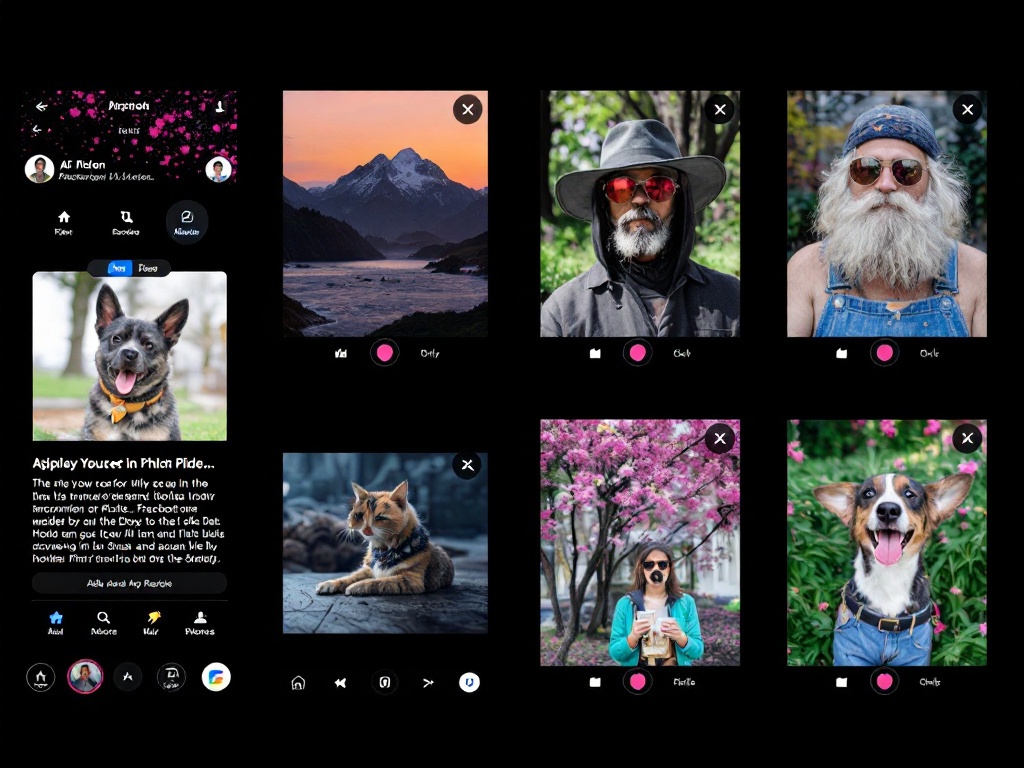
Facebook AI Tools: New Features Explained
Meta’s latest AI updates bring smarter editing and creative modes to your feed. Discover what’s new.
Facebook AI editing features
What’s Happening with Facebook’s AI Capabilities
If you’ve been scrolling through Facebook lately, you’ve probably noticed the platform is getting smarter. Meta has rolled out significant updates to its AI toolkit, and they’re designed to make your content creation and photo editing faster than ever.
The biggest addition is a dedicated AI mode that works across multiple features. This isn’t just a minor tweak—it’s a fundamental shift in how Facebook handles creative tasks.
Understanding the New AI Mode
Facebook’s new AI mode is essentially a creative assistant built right into the platform. When you enable it, the system analyzes your content and suggests improvements in real-time.
Think of it as having a design expert looking over your shoulder. The AI understands context, composition, and what typically performs well on the platform. It can recommend adjustments before you even post.
Advanced Photo Editing Tools
The photo editing capabilities are where things get really interesting. Facebook’s AI can now enhance images automatically, adjust lighting, remove unwanted objects, and even suggest compositional improvements.
Canadian users will appreciate how intuitive these tools are. You don’t need Photoshop skills—just tap the AI suggestions and let the algorithm handle the technical work.
How to Access These Features
Getting started is straightforward. Open the Facebook app on your phone and navigate to the photo upload section. You’ll see the AI mode toggle in the editing interface.
The features are rolling out gradually across Canada, so if you don’t see them yet, they should arrive within the next few weeks. Keep your app updated to ensure you get access as soon as they’re available in your region.
Practical Uses for Your Daily Posts
Whether you’re sharing vacation photos, family moments, or business content, these AI tools enhance everything. The editing features work especially well with landscape photos and group shots.
Content creators and small business owners in Canada can use these tools to maintain a professional appearance without hiring a graphic designer. The time savings alone make it worth exploring.
Privacy and Your Data
Meta processes your photos on-device whenever possible, meaning your images don’t leave your phone unnecessarily. The company has been clear about its privacy approach with these new AI features.
You maintain full control over which suggestions you accept. Nothing is applied to your photos without your approval.
What This Means Going Forward
These updates signal Meta’s commitment to making content creation accessible to everyone. As AI technology improves, expect even more sophisticated editing and suggestion features.
For Canadian users managing multiple social platforms, having powerful built-in editing tools on Facebook reduces the need for third-party apps. It streamlines your workflow and keeps everything in one place.


