
Best Free AI Tools for Beginners in 2026
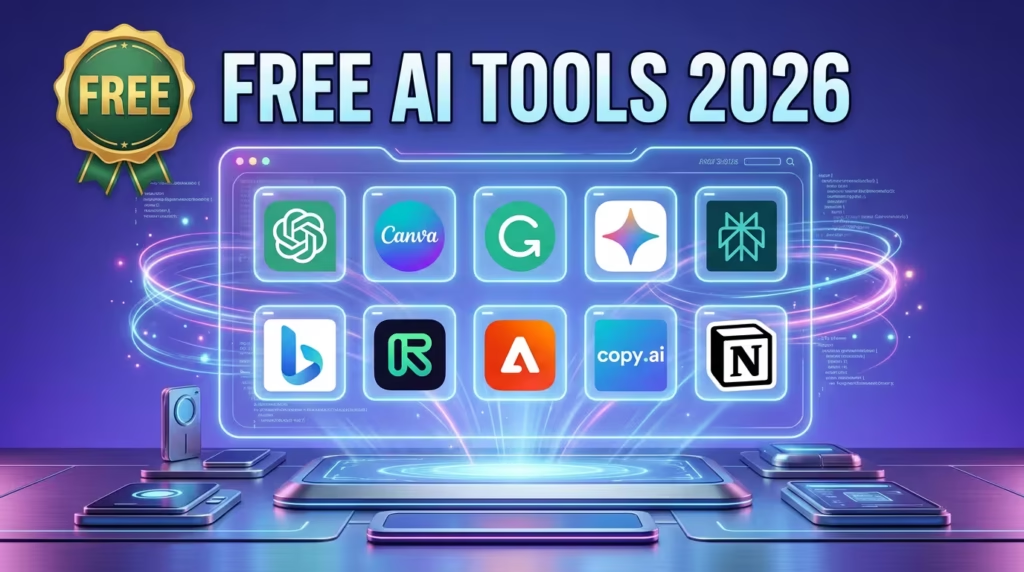
Getting started with AI no longer requires a big budget. In 2026, many powerful AI tools offer free plans that are more than enough for beginners. Whether you want to create content, design graphics, edit videos, or improve productivity, free AI tools can help you do more in less time.
The key is not using too many tools—but choosing the right ones that cover your needs.
Why Beginners Should Use Free AI Tools
Free AI tools are ideal for beginners because they allow you to learn and experiment without risk. You can test different platforms, understand how AI works, and build your workflow before investing in paid tools.
Most beginners only need a few core tools to get started, typically for:
- Writing and research
- Design and visuals
- Productivity and organization
- Video and content creation
Experts suggest that using a small set of tools is more effective than trying dozens at once.
Best Free AI Tools for Beginners (2026)
Here are some of the most useful and beginner-friendly AI tools available for free:
1. ChatGPT – Best All-in-One AI Tool
ChatGPT is one of the most popular AI tools for beginners. It can help with writing, brainstorming, answering questions, and even coding.
It is ideal for:
- Blog writing
- Content ideas
- Learning new topics
- Business planning
2. Google Gemini – Best for Google Users
Google Gemini is a powerful AI assistant integrated with Google services like Docs and Gmail.
It is useful for:
- Writing emails
- Research and summaries
- Planning and productivity
3. Grammarly – Best for Writing Improvement
Grammarly helps improve grammar, spelling, and clarity in your writing.
It is ideal for:
- Editing blog posts
- Writing emails
- Improving readability
4. Canva AI – Best for Design and Content Creation
Canva is one of the easiest tools for creating visuals, even without design skills.
With its AI features, you can:
- Create social media posts
- Design thumbnails and banners
- Generate images and presentations
5. Microsoft Copilot – Best for Productivity
Microsoft Copilot offers AI assistance for everyday tasks like writing, research, and productivity.
It is useful for:
- Generating documents
- Answering questions
- Automating tasks
6. Perplexity AI – Best for Research
Perplexity AI works like a search engine powered by AI. It provides answers with sources, making it useful for research and fact-checking.
It is ideal for:
- Finding accurate information
- Summarizing topics
- Competitor research
How to Choose the Right AI Tools
With so many options available, beginners should focus on simplicity.
Start by choosing tools based on your needs:
- Writing → ChatGPT or Gemini
- Design → Canva
- Editing → Grammarly
- Research → Perplexity
- Productivity → Copilot
Instead of using 10+ tools, focus on 3–5 tools that cover most of your tasks.
For a broader comparison, check out best AI tools for business in 2026.
Build a Simple AI Workflow
A simple beginner AI setup might look like this:
- Use ChatGPT for ideas and content
- Use Grammarly to improve writing
- Use Canva to create visuals
- Use Perplexity for research
This combination can handle most content creation and productivity needs without spending money.
Learn how to turn these tools into income with this guide on how to use AI to make money.
Free vs Paid AI Tools
Free AI tools are powerful, but they come with limitations:
- Usage limits
- Fewer advanced features
- Slower performance at times
However, many users never reach these limits, making free tools more than enough for beginners.
Paid plans are only necessary when you need advanced features or higher usage limits.
Explore more options here: free AI tools in 2026.
Final Thoughts
The best free AI tools for beginners in 2026 make it easier than ever to start using artificial intelligence. From writing and design to research and productivity, these tools can significantly improve how you work and create content.
The key is to keep things simple. Start with a few powerful tools, learn how to use them effectively, and build your workflow step by step.
You don’t need expensive software to get started with AI—you just need the right tools and a clear strategy.