
Google’s June Pixel Update Brings AI and New Features
Discover floating app bubbles, screen reactions, and AI tools in Google’s latest Pixel Drop update for Canadian users.
Pixel Drop AI features
What’s New in Google’s Latest Pixel Drop
Google just rolled out its June 2026 Pixel Drop, and it’s packed with features that’ll change how you use your phone. If you’ve been waiting for your device to feel smarter and more responsive, this update delivers on that promise.
Floating App Bubbles Keep You Connected
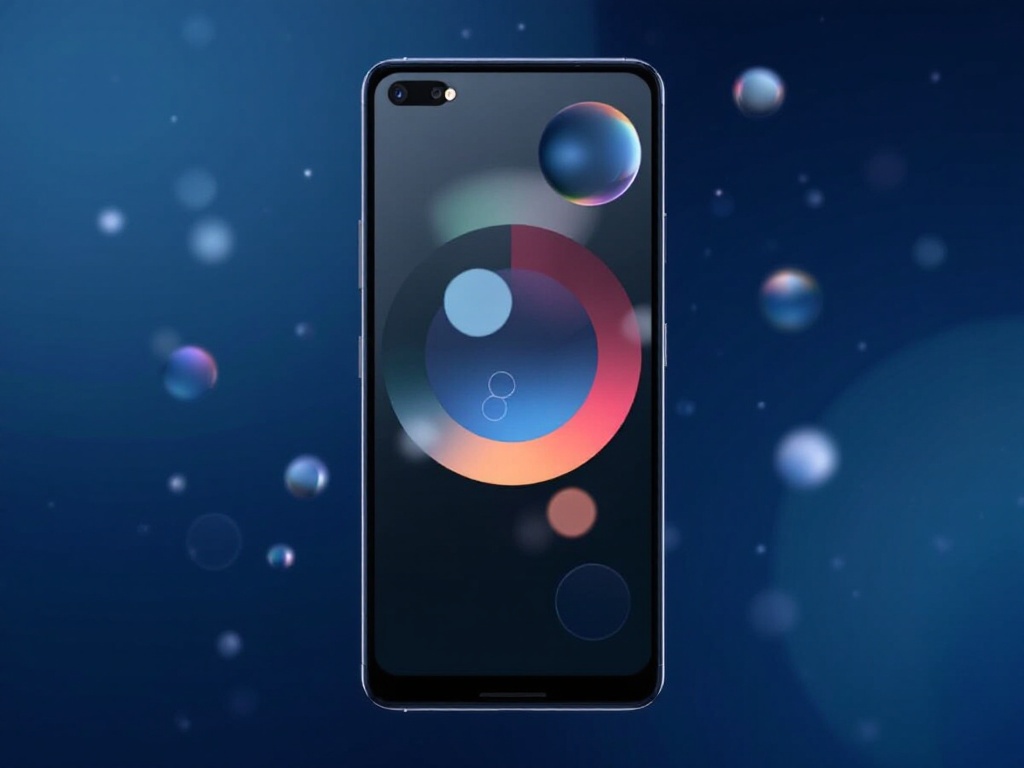
One of the standout features is floating app bubbles. Instead of hunting through your phone for conversations, important messages now appear as customizable bubbles on your screen. You can drag them around, minimize them, or pop them out of the way when you need to focus.
This works seamlessly across messaging apps, making multitasking feel natural rather than chaotic. Canadian users juggling work chats and personal messages will appreciate keeping everything visible without clutter.
Screen Reactions Add Expression to Your Conversations
Tired of typing responses? Screen reactions let you respond with animated reactions directly on messages and calls. Think emoji responses on steroids—they’re quick, expressive, and perfect for moments when words aren’t necessary.
Whether you’re reacting to good news or a funny meme, these animated responses add personality to your digital conversations without slowing you down.
AI Tools That Actually Save Time
The real magic happens with the new AI capabilities bundled into this update. Google’s AI tools now help with photo editing, smart replies, and understanding context across your apps. These aren’t gimmicks—they’re genuinely useful features designed to reduce friction.
From auto-correcting photos to suggesting responses that sound like you, the AI learns your preferences and adapts accordingly. Canadian tech enthusiasts will notice the difference within the first week of using it.
How to Get These Features
The update rolls out automatically to eligible Pixel devices in Canada. Check your settings under System Updates to see if it’s available for your phone. Most users will see the features within the next few days if they haven’t received them already.


