
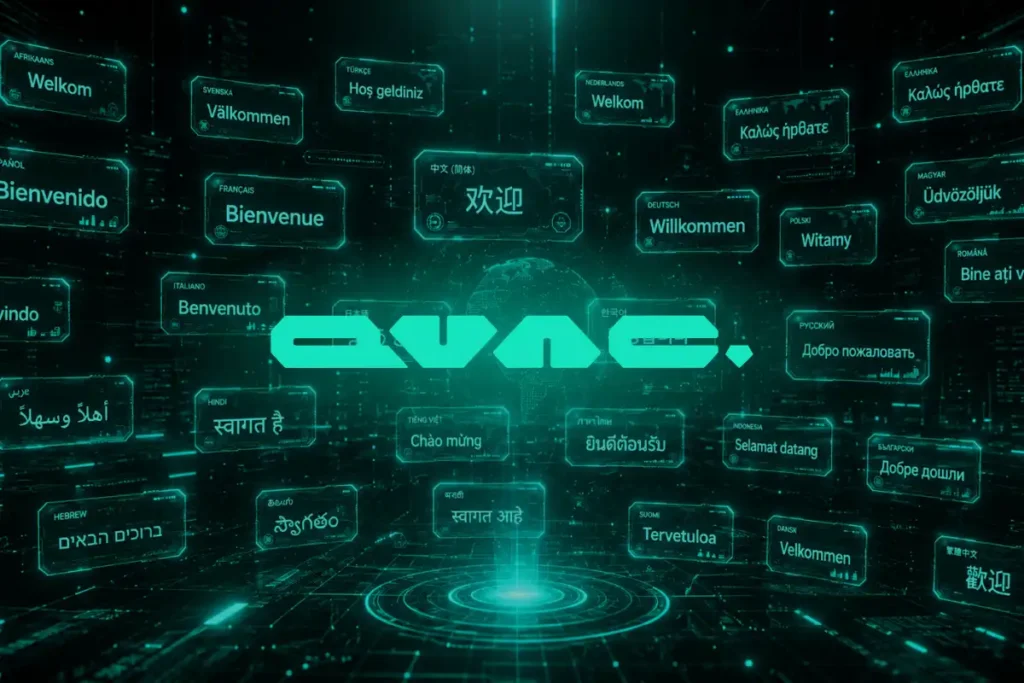
On-device AI translation: The future of app localization
On-device AI translation makes apps multilingual without cloud servers. Learn how local AI is shrinking to fit inside every app.
on-device AI translation
How On-Device AI Translation is Reshaping App Development
Imagine opening any app on your phone and instantly seeing it in your native language—without waiting for a server response or worrying about your data being sent elsewhere. That scenario is moving from wishful thinking to reality. On-device AI translation is shrinking from sprawling data centers down to file sizes small enough to bundle directly inside mobile applications, fundamentally changing how developers approach global audiences.
The shift matters because traditional translation relies on cloud processing. Users send text to remote servers, translations come back, and you hope the connection stays stable. On-device models eliminate that middle step entirely. The translation happens on your phone, in your hand, immediately.
The Technical Breakthrough Behind Smaller AI Models
The real innovation isn’t that AI can translate—that’s been possible for years. The breakthrough is compression. Modern neural networks that handle translation used to weigh gigabytes. New techniques like quantization and pruning strip away unnecessary parameters without destroying accuracy, bringing those models down to 50 megabytes or even smaller.
This compression means developers can now include translation capabilities as a standard feature rather than a premium add-on. An app that previously required 200MB just to support three languages can now do it in a fraction of that space. The model sits dormant until needed, consuming minimal battery and memory.
What makes this practical is that smaller models still handle nuance reasonably well. They recognize context, understand idioms better than simple dictionary lookups, and adapt to different writing styles. They’re not perfect, but they’re useful enough for real-world app experiences.
Real-World Use Cases for Mobile App Localization
Consider a productivity app serving users across Europe, Asia, and Latin America. Previously, supporting 10 languages meant either storing translations on servers (adding latency and privacy concerns) or shipping 10 different app versions. On-device models offer a third path: one app, multiple languages, all processed locally.
E-commerce apps benefit dramatically. A user browsing product descriptions needs instant translation of reviews and specifications. Waiting for cloud processing adds seconds to every tap. On-device translation happens immediately, keeping the experience smooth and fast.
Chat and messaging apps see similar advantages. Real-time conversations require real-time translation. Pushing every message through a remote service creates bottlenecks and privacy exposure. Local processing handles both concerns simultaneously.
Gaming apps can localize dialogue and in-game text without ballooning download sizes or requiring always-on connectivity. Players in rural areas or with limited data plans get the same multilingual experience as everyone else.
Privacy and Performance Advantages
On-device processing creates an immediate privacy win. Your text never leaves your phone. No server logs, no third-party access, no data retention policies to scrutinize. The translation happens, and that’s it. For apps handling sensitive content—banking apps, health trackers, confidential communications—this distinction matters significantly.
Performance improves across the board. Network latency disappears. Battery consumption stays reasonable because the phone’s processor handles work instead of keeping the radio active for extended periods. Offline functionality becomes standard rather than exceptional. A user on an airplane can still access translated content without any internet connection.
Developers also reduce server costs substantially. Translation APIs from major cloud providers charge per character or per request. When millions of users translate billions of characters monthly, those costs add up. Processing locally shifts that computational burden to devices that are already capable of handling it.
What Users Should Know Before Updating
If your favorite app adds on-device translation support, here’s what to expect: first use might trigger a one-time download of language packs, typically ranging from 20 to 80 megabytes depending on the number of supported languages. This happens once, either automatically or on-demand.
The translation quality depends on the specific implementation and which language pairs are involved. Major languages like Spanish, French, and German work smoothly. Smaller languages or rare dialect pairs might show occasional quirks. Most developers test thoroughly before rolling out to users, so issues should be relatively rare.
You’ll notice translation happens instantly. If you’re accustomed to a one or two-second delay from cloud-based translation, the immediate response from local processing feels snappier. Some apps might offer a setting to disable on-device translation if you prefer cloud processing for some reason, though that’s becoming less common as local models improve.
The Next Wave of App Intelligence
As these models shrink further, developers will embed more advanced AI capabilities beyond translation. Summarization, sentiment analysis, and content filtering could all run locally. Imagine an email app that automatically summarizes messages in your preferred language, or a news app that filters stories based on your interests—all without sending your data to external servers.
The constraint isn’t technical anymore; it’s adoption. Developers need to understand that on-device AI is viable, accessible, and worth integrating. As more apps demonstrate the benefits, the shift accelerates. Users will expect their apps to be smart, fast, and respectful of privacy. Local AI translation is the first major proof that all three are achievable simultaneously.
Frequently Asked Questions
Does on-device translation work offline? Yes, completely. Once the language model is downloaded to your phone, translation works without any internet connection. This is one of the primary advantages over cloud-based translation services.
Will this significantly increase app download sizes? Not dramatically. Most on-device translation models add 30 to 80 megabytes to an app’s total size for supporting multiple languages. Compare that to shipping multiple app versions or maintaining cloud infrastructure, and the trade-off favors local processing.
Is the translation quality as good as professional human translation? It’s better than basic machine translation but not identical to professional translators. For user-facing content like marketing copy or literary works, human translation is still preferable. For functional content like interface labels, product descriptions, and customer reviews, on-device AI handles it well enough for most use cases.
Keep an eye on your app update notes over the coming months. When developers add on-device translation support, it often rolls out quietly as a backend improvement. Try using your apps in different languages and notice how instant the translation becomes—that’s the technology in action.


