
Introduction
Automation has become a core part of modern online work. In 2026, tools like Make.com are widely used by freelancers, businesses, and creators to connect apps and automate repetitive tasks without coding.
But the real question is: is Make.com actually worth using for beginners and businesses?
This review is based on real workflow use cases, not just feature descriptions.
What is Make.com?
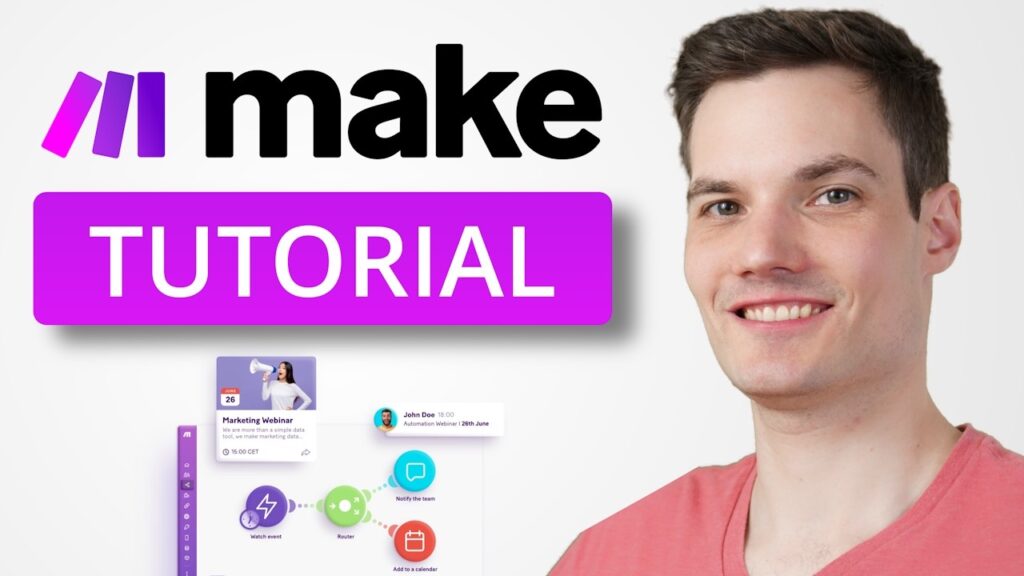
Make.com is a visual automation platform that allows you to connect different apps and create workflows called “scenarios.”
Instead of manually doing repetitive tasks, Make lets you automate them visually.
Example:
- A form submission can automatically go to Google Sheets
- A new email lead can be added to a CRM
- A payment confirmation can trigger a notification
👉 Start here: Make.com Automation Platform
How Make.com Works in Real Life
Here are actual use cases:
1. Lead Automation
- When someone fills out a form:
- Data goes to Google Sheets
- Email notification is sent
- Contact is added to CRM
2. Content Workflow
- Blog idea saved in Notion
- AI generates draft
- Draft sent for review automatically
3. E-commerce Automation
- Order placed → invoice sent
- Customer added to email list
- Shipping notification triggered
Ease of Use
Make.com uses a drag-and-drop system. Beginners may need a few days to understand workflows, but it becomes easier with practice.
It is more visual than coding-based tools, which makes it accessible for non-developers.
Pros and Cons
Pros
- Powerful automation capabilities
- Visual workflow builder
- Works with hundreds of apps
- Suitable for beginners and advanced users
Cons
- Learning curve for complex workflows
- Requires planning to avoid broken automation
- Can feel overwhelming at first
Is Make.com Worth It?
Yes—especially if you want to:
- Save time on repetitive work
- Build automation systems
- Start freelancing in automation services
- Improve business efficiency
Make.com becomes more valuable the more you use it.
Final Verdict
Make.com is one of the strongest automation tools in 2026 for beginners and businesses. It is not just a tool—it is a system for building automated workflows that can replace manual tasks.
👉 Try it here: Get Started with Make.com