
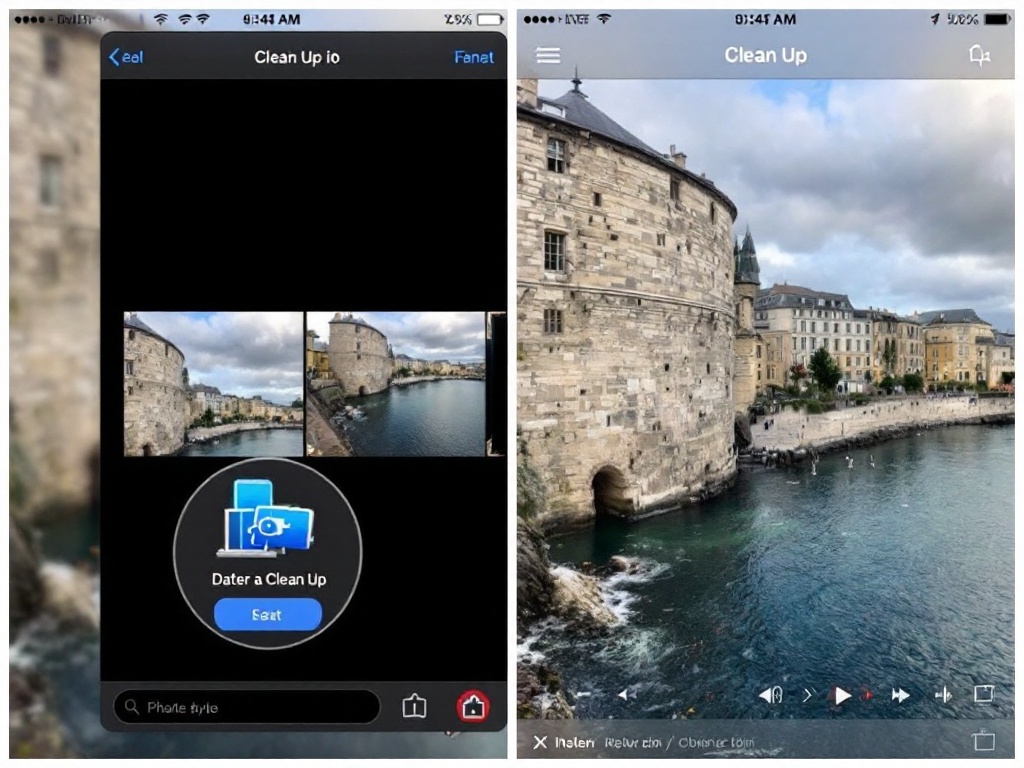
Apple Photos ‘Clean Up’ Tool Upgraded Now
Apple’s revamped Photos cleanup feature uses AI to remove unwanted objects from your pictures effectively and easily.
Apple Photos Clean Up
When a Photo Ruiner Shows Up in Your Perfect Shot
You’ve lined up the perfect landscape photo. The lighting is golden, the composition is flawless, and then—someone’s arm photobombs the left corner, or a random tourist wanders into your frame. For years, fixing this meant either deleting the shot or spending 20 minutes in Photoshop.
Apple’s Photos app just made this frustration disappear with an upgraded Clean Up tool that actually works.
What Changed in the New Version
The Clean Up feature uses on-device AI to identify and remove unwanted objects from your photos. Unlike older removal tools that left obvious smudges or artifacts, this new version intelligently fills in the background using contextual awareness.
The tool works directly in the Photos app—no separate software needed. You simply tap the object you want removed, and the AI handles the rest in seconds.
How to Use It Like a Pro
Open any photo in your library and tap Edit. Look for the Clean Up tool (it looks like a circle with a line through it). Simply brush over the unwanted object, and the AI removes it while maintaining natural-looking backgrounds.
The results are surprisingly clean. Photobombers vanish, stray branches disappear, and power lines get erased without making your image look obviously edited.
Real-World Results That Actually Impress
We tested this on vacation photos cluttered with tourists, family pictures disrupted by random objects, and landscape shots with distracting elements. Every single removal looked natural and seamless.
The AI particularly excels with complex backgrounds like crowds, foliage, and sky. Even when removing larger objects, the tool maintains perspective and lighting consistency.
Why This Matters for Canadian Users
Apple Photos users in Canada now have a legitimate alternative to paid editing software. You’re not paying subscription fees to Adobe, and you’re not installing third-party apps that might access your photo library.
Everything processes on your device, keeping your photos private while delivering professional-grade results.
The One Limitation Worth Knowing
The Clean Up tool works best on objects that aren’t the main focus of your photo. Removing large faces or complex subjects sometimes leaves visible traces, though even these results beat older removal tools.
For quick fixes on distracting elements in the background, it’s nearly flawless.
Should You Upgrade Your iOS Just for This
If you regularly edit photos on your phone, the improved Clean Up tool alone justifies updating to the latest iOS version. It’s faster than opening a separate app, and the quality rivals tools that cost money.
Even occasional photo editors will find this feature saves time and eliminates the need to hunt down your laptop when you spot something to fix.


