
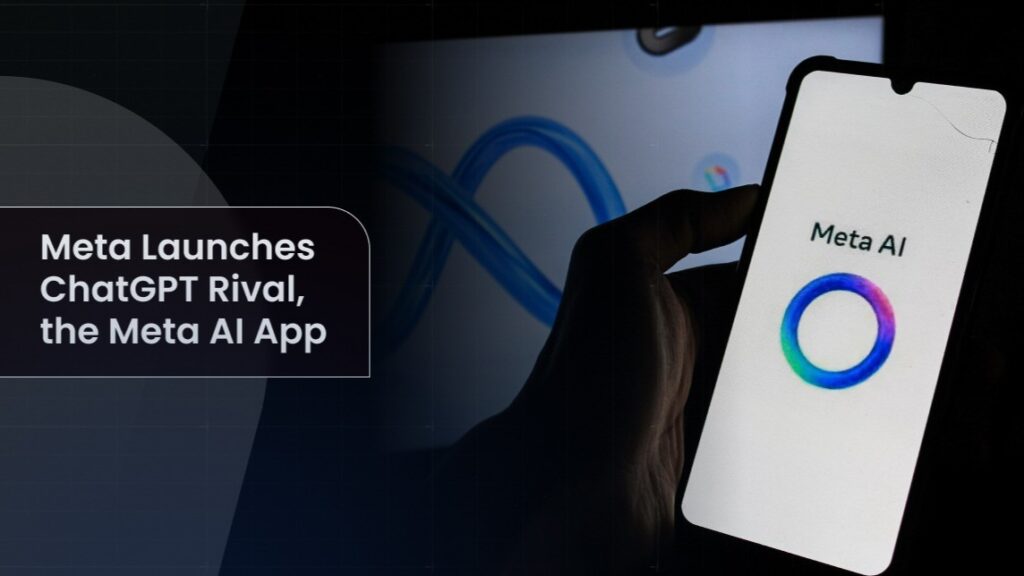
Meta AI app dominates iPhone charts, surpassing ChatGPT
Meta AI has become the top-ranked iPhone app, outperforming ChatGPT and Grok in downloads and popularity.
Meta AI app iPhone
How Meta AI app became the leading iPhone application
When Meta launched its dedicated AI application on the App Store, few expected it to climb the charts faster than established competitors like OpenAI’s ChatGPT and Elon Musk’s Grok. Yet that’s exactly what happened. The Meta AI app has achieved the top position among iPhone users, marking a significant shift in how people access artificial intelligence on their mobile devices.
The app’s rapid ascent reflects Meta’s aggressive push into the AI space and its massive existing user base across Facebook, Instagram, and WhatsApp. Users familiar with Meta’s ecosystem found it natural to download the dedicated app, creating an immediate momentum that competitors struggled to match.
What makes Meta AI app stand out from competitors
Meta AI brings several features that distinguish it from ChatGPT and other rivals on the App Store. The app integrates seamlessly with Meta’s existing social platforms, allowing users to access AI assistance directly without leaving their familiar interfaces. This convenience factor cannot be overstated—users already spending hours on Instagram and Facebook can now enhance those experiences with AI-powered tools.
The application offers image generation, text summarization, and conversational capabilities that rival ChatGPT’s offerings. What sets Meta AI app apart is its deep integration with real-world information from Meta’s platforms, giving it contextual advantages in understanding user intent. For instance, the app can provide recommendations based on trends and discussions happening across Meta’s social network in real-time.
Another compelling feature is the app’s ability to handle complex queries without requiring users to navigate between multiple applications. Whether you need help writing an email, brainstorming ideas, or analyzing information, everything happens within a single interface designed specifically for iPhone users.
Understanding the download surge and market position
The number one ranking didn’t happen by accident. Meta leveraged its enormous user base—billions of people across its platforms—to drive initial adoption. When Meta AI app became available for download, existing users received notifications and in-app prompts encouraging them to try the dedicated application.
This strategy proved far more effective than organic marketing alone. ChatGPT, while technologically impressive, requires users to actively seek it out and decide it’s worth dedicating space on their iPhone home screen. Meta AI app, by contrast, felt like a natural extension of services people already used daily.
The app also benefited from timing. As AI adoption accelerates across consumer technology, many iPhone users were actively looking for accessible AI tools. Meta AI app arrived with name recognition and trust built-in, eliminating the friction that new applications typically face.
Key features that explain why users prefer Meta AI app
Beyond basic conversational AI, the Meta AI app includes practical tools that appeal to everyday iPhone users. The image generation feature allows users to create custom images directly from text prompts, competing effectively with dedicated image-generation tools.
The app’s natural language processing excels at understanding context and nuance. Users report that the AI provides more helpful, personalized responses compared to generic chatbot interactions. This is partly because Meta’s AI has access to vast amounts of training data and can reference contextual information from user behavior patterns across Meta’s ecosystem.
Another significant advantage is the app’s optimization for mobile. While ChatGPT’s web interface works on iPhones, the native Meta AI app delivers faster load times, smoother scrolling, and better touch-optimized design. These small details compound to create a noticeably better user experience.
- Real-time integration with trending topics on Meta platforms
- Image generation capabilities built directly into the app
- Optimized interface designed specifically for iPhone screens
- Instant access from your home screen without browser navigation
- Personalized responses based on your activity across Meta services
What this means for the broader AI landscape
Meta AI app’s top ranking signals an important truth about technology adoption: user convenience and ecosystem integration often matter more than pure technological capability. ChatGPT remains a powerful tool, but it exists somewhat outside users’ daily app routines.
The success also demonstrates Meta’s ability to mobilize its user base quickly. With billions of people already trusting Meta’s platforms, the company can introduce new products with built-in adoption advantages that smaller competitors cannot replicate. This has significant implications for how the AI market will develop over the next few years.
Other technology companies are likely watching Meta AI app’s success closely. The lesson is clear: to compete in the consumer AI space, you need either breakthrough technology or deep integration into services people already use regularly. Ideally, you need both.
Frequently asked questions about Meta AI app
Is Meta AI app free to download and use? Yes, the Meta AI app is available for free download on the App Store. Users can access core features without paying, though Meta may introduce premium features or subscriptions in the future as the app evolves.
Can I use Meta AI app if I don’t have a Meta account? While the app integrates best with existing Meta accounts, you can create an account directly within the app during setup. You’ll need some form of authentication to access the AI features, but this typically takes just a few minutes.
How does Meta AI app compare to ChatGPT on privacy and data security? Both apps collect data to improve their services, but Meta AI app benefits from Meta’s established infrastructure and privacy policies. Review the app’s privacy settings after downloading to understand what data you’re comfortable sharing. Like most AI apps, you should avoid sharing extremely sensitive personal information.
Getting started with Meta AI app on your iPhone
If you haven’t downloaded Meta AI app yet and want to see why it’s become the top choice on the App Store, the process is straightforward. Open the App Store on your iPhone, search for “Meta AI,” and tap the download button. The app requires iOS compatibility with recent versions, so ensure your iPhone is updated to the latest available iOS version before installing.
Once installed, launch the app and complete the sign-in process using your Meta account or by creating one. The interface is intuitive, with a chat window centered prominently on the screen. Start with simple queries to get familiar with how the AI responds, then explore more complex requests as you become comfortable with the application’s capabilities.
Try testing the image generation feature early—it’s one of the most impressive capabilities and shows what separates Meta AI app from basic chatbot competitors. Take note of which features you use most frequently, and check back periodically for app updates that often introduce new functionality or improve existing features based on user feedback.


